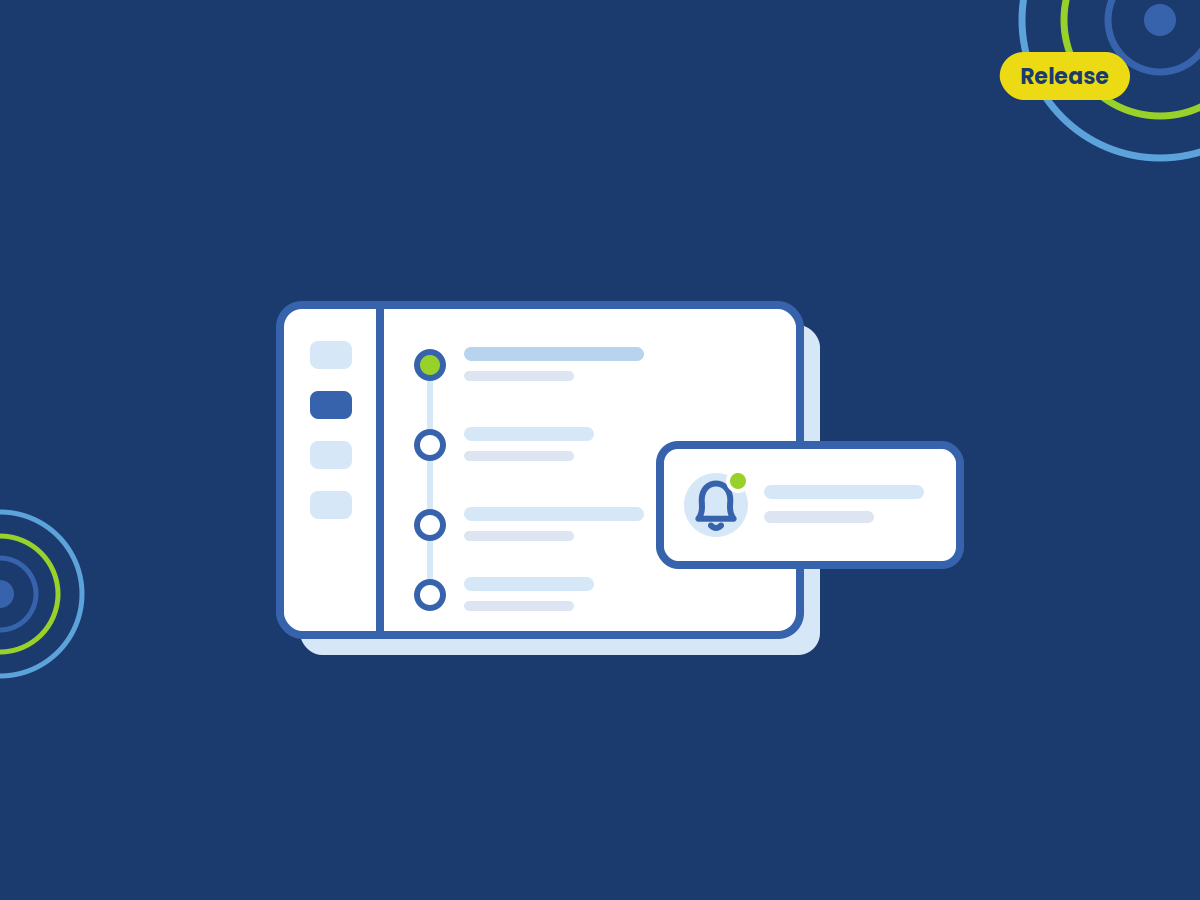
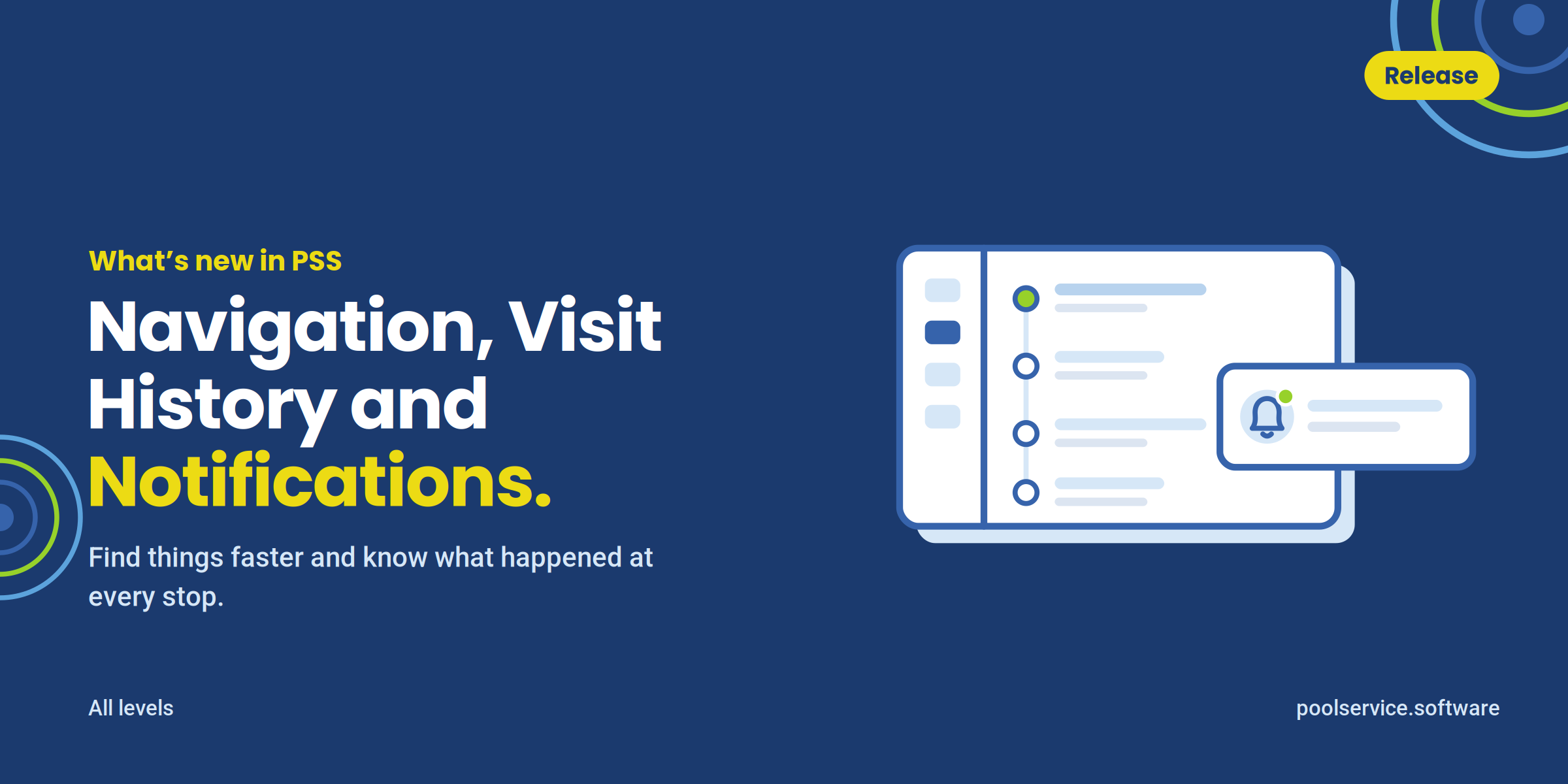
We’ve rolled out a set of updates designed to make your day easier, more organized and more connected. Things may look a little different — that’s expected. Everything is now faster, clearer and easier to use.
In 30 seconds
- New navigation — easier access.
- Visit History — everything in one place.
- Notifications — real-time updates.
What to do first
Use the left menu to reach everything you need.
Review today’s visits at a glance.
Pick which alerts you get, and where.
Navigation
A cleaner, more structured menu organized by workflow, with faster access to the tools you use most. Visit History, Control Center and Notifications are now easier to find — so you spend less time searching and move through the day with smoother navigation.
Visit History
Routes and jobs are combined into one unified view, organized by time for a clear daily timeline, with key performance metrics at the top. Click any visit to see full details, activity and history — clear visibility into what was done, when, and by who, without switching screens.
Notifications
Real-time updates on what matters, so the office isn’t waiting to find out.
We’ve rolled out a set of updates designed to make your day easier, more organized and more connected. Things may look a little different — that’s expected. Everything is now faster, clearer and easier to use.
In 30 seconds
- New navigation — easier access.
- Visit History — everything in one place.
- Notifications — real-time updates.
What to do first
Use the left menu to reach everything you need.
Review today’s visits at a glance.
Pick which alerts you get, and where.
Navigation
A cleaner, more structured menu organized by workflow, with faster access to the tools you use most. Visit History, Control Center and Notifications are now easier to find — so you spend less time searching and move through the day with smoother navigation.
Visit History
Routes and jobs are combined into one unified view, organized by time for a clear daily timeline, with key performance metrics at the top. Click any visit to see full details, activity and history — clear visibility into what was done, when, and by who, without switching screens.
Notifications
Real-time updates on what matters, so the office isn’t waiting to find out.